


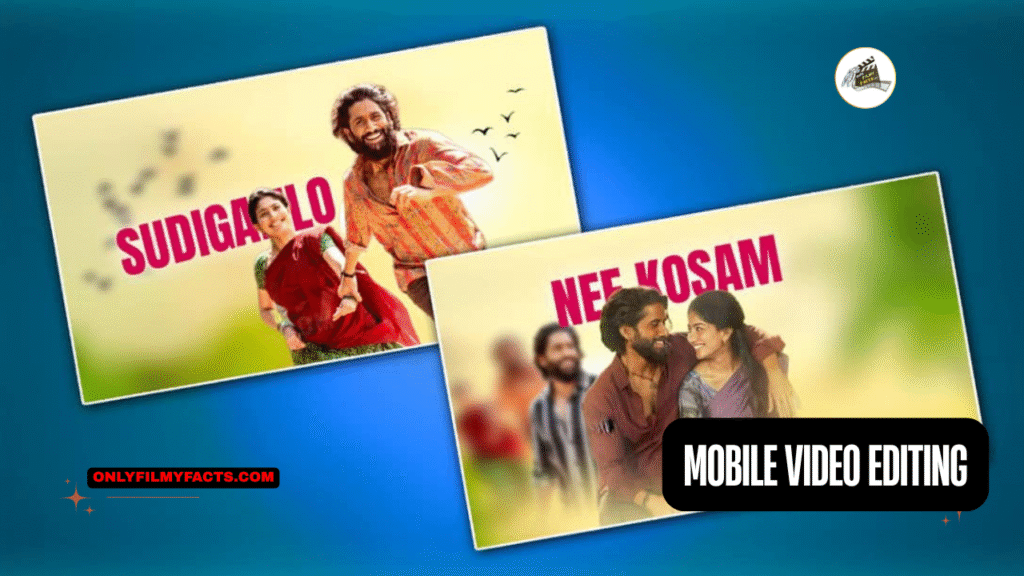
(Easy ALIGHT MOTION Mobile Video Editing DAY 7 Beginner’s Guide to Mobile Video Editing : Mobile video editing is like a superpower these days. Whether you want to create Instagram Reels, start a YouTube channel, or simply capture your memories, you no longer need a bulk computer)
Are you looking for a beautiful trending lyrical status video editing, then I will explain to you step by step how to edit trending lyrical status video editing at a cinematic level in this article. It was very good. You also read it completely and start editing.
Here are the things you need to edit this video:
- 30 Seconds Lyrical Song
- Background Removed Photos
- Birds PNG Images
- Background Image
- Alight Motion Application
Alight Motion Lyrical Status Video Editing
- Using these, now we have to edit the lyrical video.
- Open the Alight Motion application, click on the green plus icon and enter the project name. Then select the 9:16 ratio, take the background colour black, set it to 30fps, and click on the Create option to go to the next step. Where will it take you? The interface of the alight motion will open.
- Now click on the plus icon again click on the media option select a background photo from the gallery and add it. Now you need to add this photo for 30 seconds.
- Now you need to add music. For this, click on the plus second. Click on the audio. Now select the song with which you want to edit the video and add it. These songs are added for only 30 seconds and are extra. Delete them.
- Now you need to set the beat mark while listening to this song and listening to the lyrics. For this, if you bring the cursor to the word of that word and press and hold, a beat mark will be added. In this way, you have to add beat marks to the end completely.
- Now you have to apply a 3D effect to the background photo. For this, click on the Move and Transfer option. Click on the Z axis and here you have to select 2000 or 3000. Then set the size to fit the screen.
- Now you have to add and edit the photos. While adding these photos, you have to add only the photos that have the background removed. To remove this background, you can remove it on the website or in any application.
- Open the PicsArt application, click on the Edit photo and select the photo from which you want to remove the background and add it. Now, when you click on the background option, the mobile data should be on. Now, the background will be removed in two or three seconds. If it is not removed clearly, click on the eraser tool option at the top and select the brushing. Click on Erase and now completely remove the background. After doing this, click on the sixth mark on the top right side and click on Save. In this way, remove all the photos you want to edit in the same way and save them.
- After removing this way, press Alight Motion, but click on the top click on the media option and select a photo. Set this photo as the starting point and apply a 3D effect to this photo. For this, click on this photo layer again, click on Move and Transform, click on Z Axis and here you should set 2000. No matter how many photos you have taken, you should reduce the Z-Axis of that photo whenever you take it. After setting this in this way, set the photo size to medium size in the centre.
- Now add a text behind this photo and then start one in front of it. First, click on the green plus cycle and click on the text option and here you have to enter the lyrics while listening to the song. Here enter the lyrics of the song and apply any font style to this text. Also, apply dark and thick colours. When entering the lyrics, you have to enter them only in capital letters. Then add this text to the song up to the lyrics or the beat mark and delete the extra ones. Now you need to apply the 3D effect to this text too. Again you need to click on the transfer option and make Z axis bank and here you need to take 2000 or 2099 like this. By taking this, the text goes to the background. Now in each slide, in the same way, you add a photo along with the text in different angles and set it in all the slides.
- Now how to make these 3D and Mission, for this you need to click on the plus second in green colour click on the elements option and click on the camera option. Now a camera layer will be added. This camera is not complete. You can add it till the end of the video or you can use it for each beat mark or each slide. You can add it till the end of the video to make it easy for you by duplicating it.
- Now click on Move and Transfer click on Z Axis and now animate as you like. Now no matter how you animate, it will turn into a 3D effect.
- After animating, click on the cameras, then click on the middle option on the right side, click on the focus option and here you have to set the focus size as well as the blur size or strength. You have to add keyframes and set them in this way. You have to add keyframes until the end of the video completely. After editing the video completely, add a single photo to each slide or if you have one, you can also edit it with only a single photo. Finally, click on the share option. Here, select the highest quality possible. Then tap on export. After exporting, click on the save option and save this video successfully to your gallery. In this way, you can easily edit any lyrical video with the same process.
- When you add lyrics or text, you also need to make a different animation for this text. How to do this? When you click on the text editor, go to the effects option. From the effects, you will have many animations related to text addition. Select the text animation of your choice and add it. In this way, apply all the layers as well.