


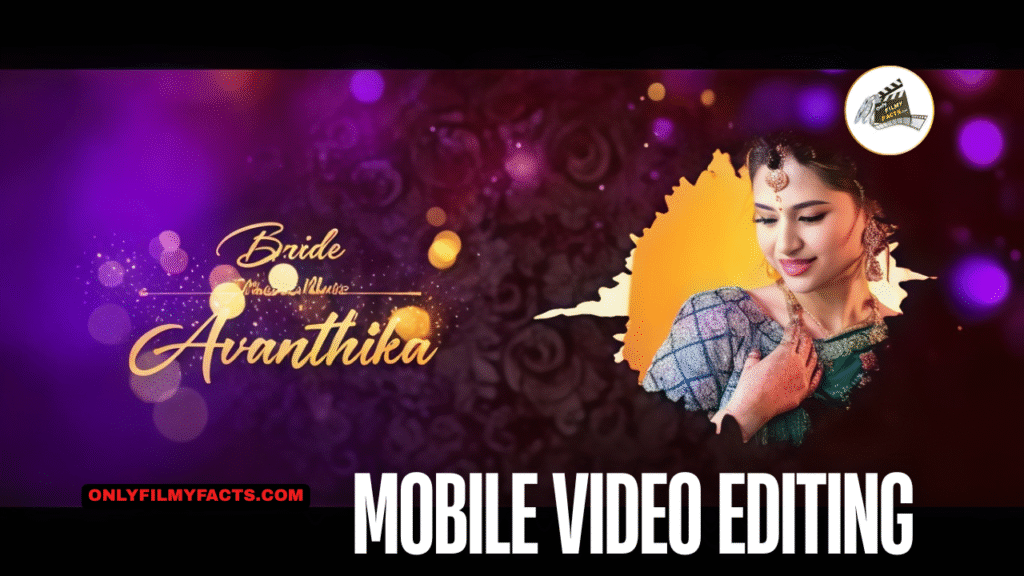
(Easy KineMaster Mobile Video Editing DAY 1 Beginner’s Guide to Mobile Video Editing : Mobile video editing is like a superpower these days. Whether you want to create Instagram Reels, start a YouTube channel, or simply capture your memories, you no longer need a bulk computer)
Hello friends, welcome to Maggi. In this article, I will tell you how to create a wedding invitation video professionally in the Kinemaster App. To edit this video, you need a pink background and golden particle effect, as well as a Vinayaka PNG photo text divider in golden colour, as well as music related to the invitation, so all these can be created easily, but I will tell you step-by-step to read the complete article.
- First, you open the Kinemaster app take a new project go to the settings set all the settings related to the video of the project, and first set the audio settings. For this, go to the settings click on the audio setting, and set the duration to one-second fade in fade out. In the same way, video fade-in fade-out should be set.

- Also, click on the layer setting and set the layers for 6 seconds. After setting everything like this, start editing the videos.
How to create a background for an invitation video
- First, you open a new project and take a black or pink color image with a texture in the background or any design.

- Then click on the layer and go to effects and in basic effect take Gaussian blur go to blur setting and add strength two or three now the background looks a bit smooth. In the same way, click on the layer and top on the media and add a plane animation video like the one in pink color. Now you have to add this animation video for 6 seconds click on that layer and scroll down on the right side there will be blending options in which you have to select screen Now the background is ready Now you have to add this background as long as you want to create the video up to 30 seconds.

How to create titles for Invitation
- We usually use third-party applications separately for titles for wedding invitations and also use video editing applications, but the animation in them may not come out perfectly, and animating each one will waste a lot of time, so I will tell you some tricks to follow them.

- First, you open the Kinemaster app take a new project, and add a photo or a video as a background. Click on the video and solve it down on the right side, you will see an option called background. Click on it and click on the transparent option. Come back and click on the pan and zoom option and again click on equal to and now if we move that photo or video to the side, we will have the background completely removed.

- Add a stylish font change it to a golden color and put the divider horizontally and vertically in the middle after the title is ready click on the view option on the left side click on capture and save and save this title in your gallery. Similarly, save it in the gallery in PNG format.
How to create a title along with a photo
- After you have created all the titles, you have to add the names of the group and bright photos next to them, for that you have to add the truck footage separately, or you can add the photo directly, for that, wherever you want to add the photo, come to the starting point of the slide and layer it.

- Click above and click on media and add photo now that photo should be added either the right side or left side then in the slide we should make sure that it is in the opposite direction to the first photo taken. Now click on the same photo and the crop option will appear on the right side. Click on it and select the feather option. The feather should be set at 30% and similarly, there will be a circle in the circle shapes. Select the circle. Now you need to animate this photo. If you scroll down, there will be a transform option, click on it and you can animate using the options. What should be done is to do the animation in the same way as the text, and then the slide will be complete, so you can add the photos in different directions.
How to export video in high-quality
- There are a few reasons why many people don’t do professional video editing, which is that you need to ensure that the photo or video is of high quality when you import it, as well as the animation at the right time.
- Similarly, the transition effect should also be correct according to the timings, all the slits should be edited to maintain the same timing and while exporting, we should select high resolution in high quality and then set the frame rate as much as possible, support 25 fps or 30 fps. Now if you tap on export then exposing will start and then this video will be successfully saved to the gallery Sometimes cinematic frames should also be added for a professional look. These cinematic frames are available in the store by default in the Kine master application, and we need to install them before editing.

- When you edit the background, add a pattern photo and apply a blur effect to that photo, apply a color particle effect on top of this photo, add a blur effect to this video, and create a video, so far you have to set two layers.

- You need to take only the colors of the titles which are set to the background, apply the golden particle text effect to these titles, and also add an ink drop effect to add the photo. What should be done is to add the photo we like in the same drop as this removed, and we should do the animation also when you add the photo you should add either left or right. A title or name related to this should be added and animation should also be done the background color you have taken should be a little dark color because when you add any title or effects or elements on the background video or photo it will look attractive. By using it, you can edit any kind of invitation video professionally.
KineMaster Mobile Video Editing DAY 1
Kine Master Project
Song link
Photos, Videos
Font link
Friends overall this is an article if you have any doubts about this article let me know in the comment section below.